
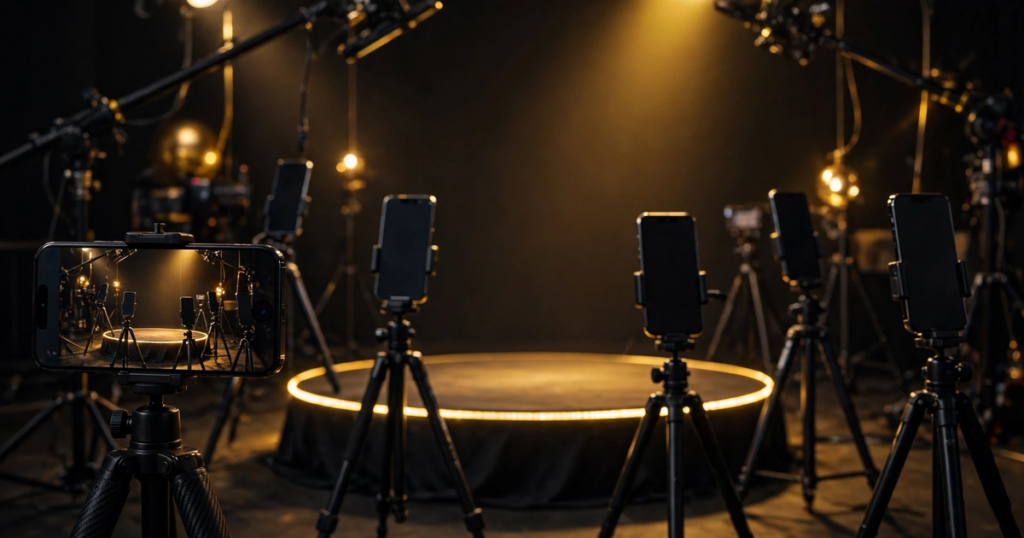
Live video used to need a crew: one person on cameras, one on sound, one on graphics. A creator, a church, or a small sports league could not justify that crew, so the stream stayed simple: one camera, one angle.
Switcher Studio is an iOS app that puts that crew into one phone. It is built for professional multicamera live streaming and video creation, with built-in tools to earn money during the stream. This review covers what Switcher Studio does, how its Studio and Suite plans are priced, where the Merchant offer sits, and who should pick a desktop setup instead. The product is aimed at teams who cannot justify an AV crew but still want a stream that looks produced. When you are ready, you can see Switcher Studio plans on the vendor site.
The Yarde verdict: Switcher Studio earns its place for creators who want up to 9 wireless cameras, live graphics, and paid streams from one iOS app, per the vendor, starting at $65 a month.
What is Switcher Studio?
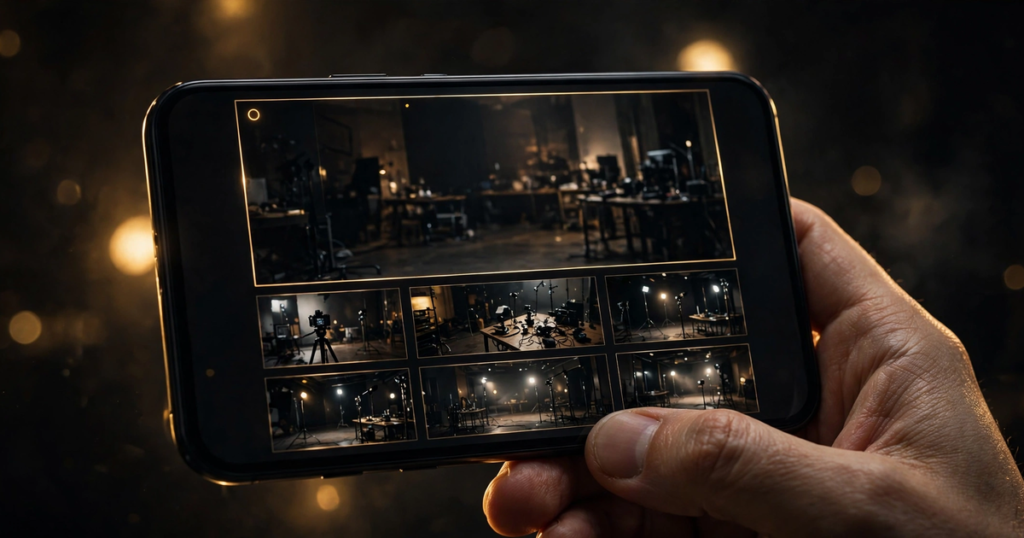
Switcher Studio turns iOS devices into a live production studio. The main device runs the app and switches between cameras, while other iPhones or iPads act as wireless cameras. The result is a multicamera stream with real-time editing, custom graphics, and a social clip creator for cutting highlights after the show.
The product covers two jobs at once: production, switching angles, adding graphics, and keeping the stream moving without a control room; and money, donations on Studio, and ticketed streams, pay-to-view content, subscriptions, and shoppable streams and videos on Suite.
Creators, churches, sports leagues, and merchants who stream regularly are the named fit. A buyer who streams once a year will not get much from a monthly plan.
How much does Switcher Studio cost?
Switcher Studio lists two plans, and the price depends on billing basis. Monthly billing costs more per month; annual billing costs less per month and is billed for the year. This review prints both, with the billing basis stated each time. Check the live Switcher Studio pricing before you buy; our snapshot is dated 2026-11-24.
| Plan | Monthly billing | Annual billing |
|---|---|---|
| Studio | $65/mo | $45/mo billed annually ($540/yr) |
| Suite | $99/mo | $79/mo billed annually ($948/yr) |
Studio at $65 a month on monthly billing, or $45 a month billed annually, includes multistream to 2 platforms, up to 9 wireless cameras, 720p and 1080p output, real-time editing, custom graphics, a social clip creator, and donations. Nine cameras is a generous count for a small production.
Suite at $99 a month on monthly billing, or $79 a month billed annually, includes everything in Studio plus multistream to up to 20 platforms, a video library of up to 100 videos, embeddable players and watch pages, ticketed streams, pay-to-view content, subscriptions, and shoppable streams and videos. The jump from 2 platforms to 20 is the clearest production gain, and the ticketed and shoppable tools are the clearest money gain. A buyer who streams to many places at once, or who charges for access, is the Suite buyer.
First-month and first-year promos need care in how they are read. On monthly billing, Suite is $20 off the first month, renewing at $99 a month. Studio shows no first-month discount on the page as read. On annual billing, Suite is $71 a month for the first year, a $95 saving, renewing at $948 a year. The earlier brief note that read $79 as a first-month price was wrong: $79 is the annual rate for Suite, not a first-month promo. Print the billing basis with every price, or the numbers mislead.
A 14-day free trial is offered on Studio and Suite, per the vendor page. For a single event with no monthly commitment, the Studio 7-Day Pass costs $35 one-time and gives full Studio features for that event.
The Merchant offer and the Business plan
Switcher Studio also sells a Merchant Plan for businesses that stream to sell. The vendor monetization page describes paid access and shoppable streams, and the affiliate link for the offer names it as an exclusive Merchant Plan. The price for that plan is not shown on the public vendor pages the brief checked, so this review describes the offer without a price. If you sell during your streams, you can see the Merchant Plan offer on the vendor site through that link.
The Business plan page states “just $79 a month” for the embeddable-player Business offering, per the vendor page as read. That figure sits beside Suite at $79 a month on annual billing, and the two should not be confused: one is the Business offering, the other is the Suite annual rate.
Where does it fall short?
The first limit is the platform itself. Switcher Studio is an iOS app, so a team that runs on Android phones or Windows laptops cannot use its own devices as cameras. An iOS-only shop will not notice this; a mixed-device team will feel it on day one, when half the phones in the room cannot join as cameras.
The second limit is the price step between plans: ticketed streams and shoppable video wait for Suite at $99 a month, so a creator who wants to charge for one stream a month pays the higher tier all month for that one feature. The third limit is the learning curve: nine cameras, graphics, and live switching reward a rehearsal, and a first stream run cold will show it. Finally, the Merchant price gap is real: a seller who wants to compare the Merchant Plan against Suite on price alone cannot do it from the vendor pages the brief checked.
Who should use Switcher Studio?
- Creators who stream live every week. Multicamera switching and graphics make a regular show look produced.
- Churches and sports leagues. Up to 9 wireless cameras cover a room or a field without an AV crew.
- Merchants who sell on stream. Suite adds shoppable streams and videos, and the Merchant offer is built for sellers.
- Coaches and class leaders. Ticketed streams, pay-to-view content, and subscriptions turn a live class into revenue.
- One-event producers. The $35 Studio 7-Day Pass covers a single event with full Studio features and no subscription.
For video in the same lane, read our Pictory review for short-form video from long content, and our Synthesia review for avatar-led video.
Who should skip Switcher Studio?
- Teams with no iOS devices. The app is iOS, and Android phones cannot act as wireless cameras.
- Anyone who streams once and never again. A monthly plan is a poor fit for a single stream; the 7-Day Pass or a free tool fits better.
- Creators who only need one camera. A single-angle stream does not need a multicamera switcher.
- Buyers who need broadcast-grade control rooms. A phone app is not a truck, and a large production should hire one.
- Sellers who need a published Merchant price before they compare. The public pages do not show one, so compare on features and ask for the price.
The verdict
Switcher Studio is a solid pick for small teams who want a produced live stream without hiring a crew. Studio at $65 a month on monthly billing, or $45 a month billed annually, covers the production side well, and Suite at $99 a month on monthly billing, or $79 a month billed annually, adds the reach and the money tools that turn a stream into revenue. The catch is the platform and the price step: iOS only, and the selling tools wait for Suite. If your team runs iOS and your stream earns its keep, start on the tier you actually need, then try Switcher Studio and run your next event like a production, not a webcam.
To compare other tools, browse the Tech Yarde catalog.
Tech Yarde is an independent publisher and an independent affiliate of Switcher Studio. Switcher Studio links on this page are affiliate links. If you sign up through one and later pay, Tech Yarde may earn a commission at no cost to you. Spot an error? Email enter@techyarde.com and we will check it.
Collins Ero, AfroNouveau
Try Switcher Studio
Switcher Studio is a trademark of its owner. Tech Yarde is not the vendor of Switcher Studio, and mentions here are factual.